Design your dream space... without complicated software.
Ever wish you could bring your design ideas to life — without expensive programs or a huge learning curve?
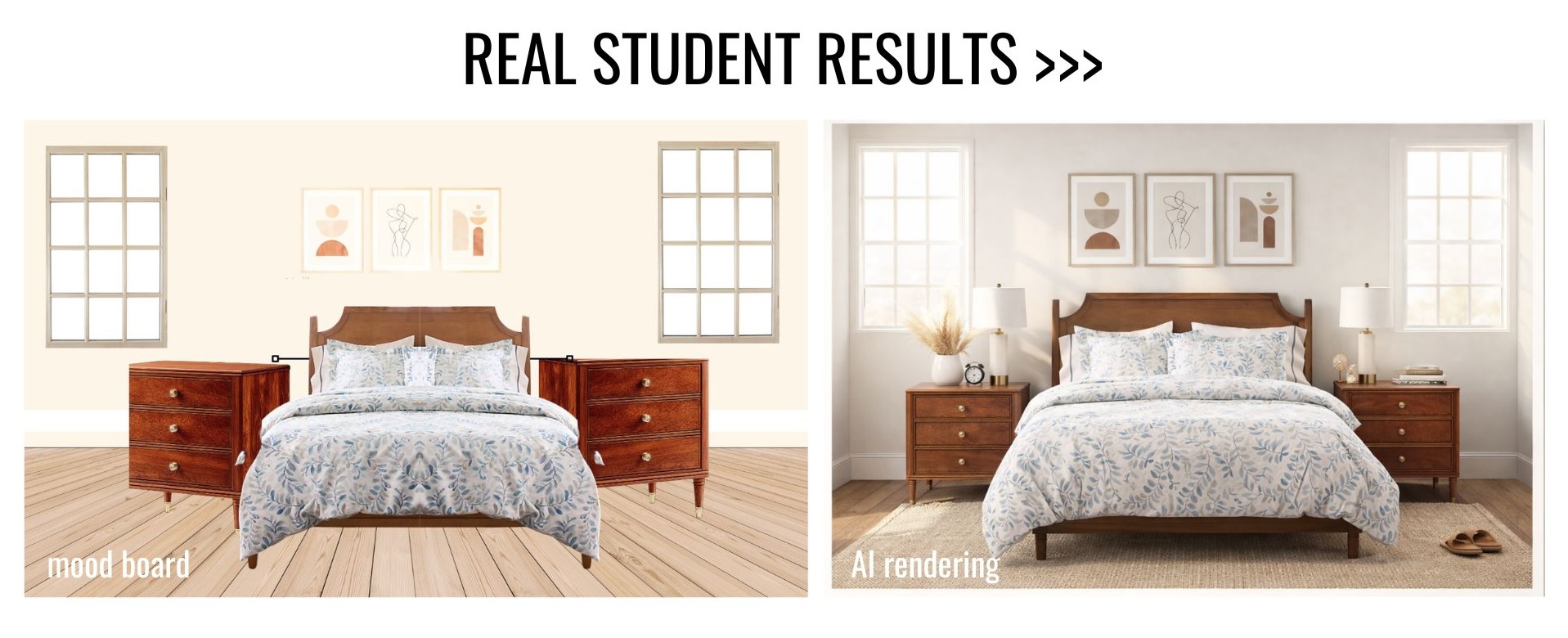
In this quick + easy Canva Mood Board Course, you’ll learn how to:
✨ Create beautiful digital mood boards in Canva (even if you’ve never used it before)
✨ Use free/low-cost tools (no fancy software required)
✨ Turn inspiration into a realistic AI-rendered room design
✨ Feel confident planning your own design projects
And the best part?
This entire course is only 42 minutes from start to finished design.
Sooo... Why Canva?
✔ Beginner-friendly
✔ Free (with optional low-cost upgrades)
✔ Works right in your web browser
✔ Perfect for home projects, DIY design lovers, hobbyists, AND designers
If you can drag and drop, you can do this.
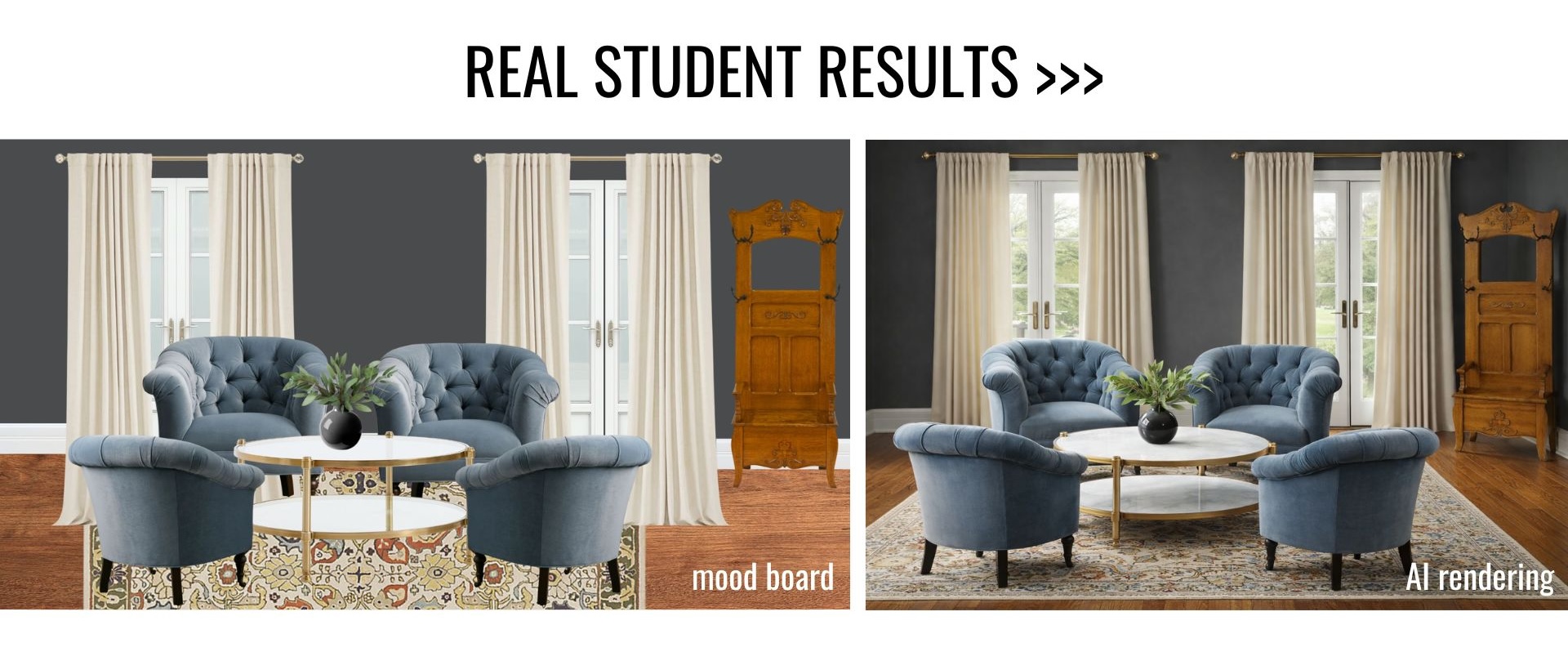
What's included in the 42 minute course:
• How to build a digital mood board in Canva
• How to import furniture, colors, and decor visuals
• How to use AI to turn your mood board into a realistic room rendering
• Tips to make your designs look polished and put together
🎁 BONUS: A follow-along Canva template to minimize your workload
This Course Is Perfect For You If:
🏡 You’re a homeowner or designer planning a room refresh
🎨 You love design, Pinterest boards, and DIY projects
💻 You want something easy (no tech overwhelm)
⏱ You don’t want a long, complicated course
Start Designing Today
In less than an hour, you’ll go from ideas in your head to a realistic visual of your space.
Simple. Fun. Affordable.